

Table of Contents
- What is 2-Factor Authentication?
- Why Do You Need 2-Factor Authentication?
- How Do You Use 2-Factor Authentication Apps?
Last Updated: January 27, 2026
What is 2-Factor Authentication?
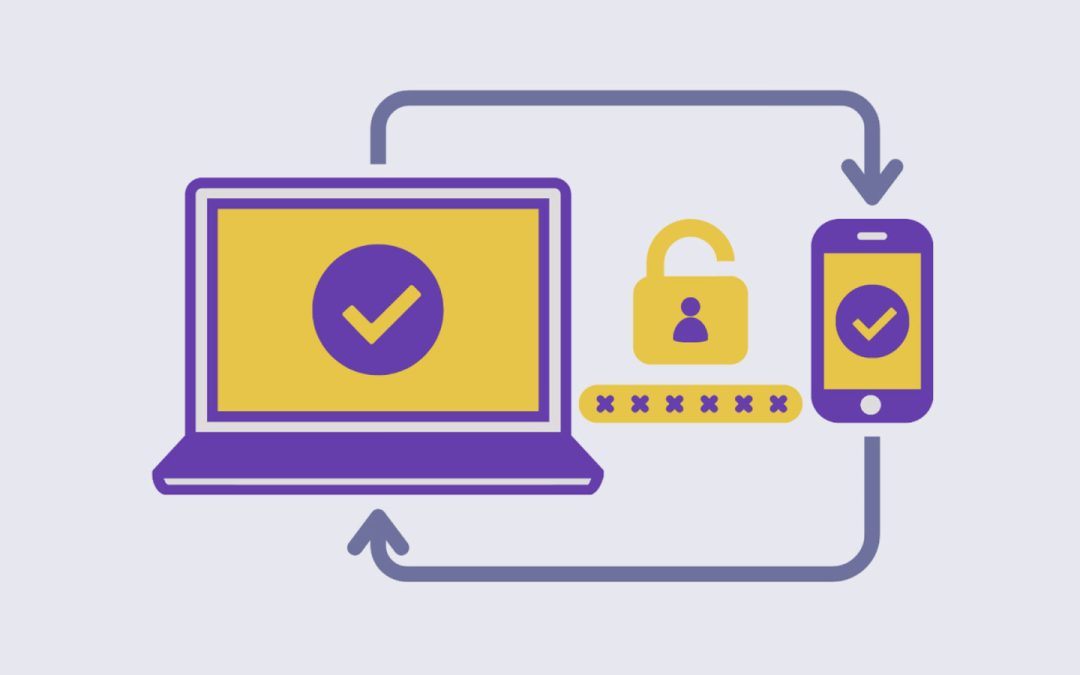
2FA is a security measure to protect a user’s information on an account by implementing two methods of confirming their identity:
1. Username and Password
When logging into accounts (such as Instagram, Online Banking, Gmail, or Xbox), they will ask for your username and password, which is one form of proving your identity.
2. Secondary External Account
Then, they will ask you to confirm your identity again by using a secondary external account. This can look like inputting a verification code sent to you via email or SMS (text) message, showing your biometrics (face or fingerprint ID), opening push notifications from another app, or typing in codes from authenticator apps.
Multi-Factor Authentication (MFA)
In some cases, the account you are logging in to may even ask for you to confirm your identity using more than one external account, a process with the same principle called Multi-Factor Authentication (MFA). This may look like logging in with your username and password then authenticating again as using verification code and opening a push notification.
Why Do You Need 2-Factor Authentication?
Since passwords are often hard to remember, users tend to use simple passwords or use the same passwords on multiple accounts. This makes it easy for hackers and current/former partners to access your accounts as the passwords can be easily found or guessed.
2FA or MFA is an added layer of protection against unauthorized access to your accounts. Even if your account’s password is compromised, a password alone would not be enough to authenticate your identity on an account when 2FA/MFA is enabled.
How Do You Use 2-Factor Authentication Apps?
You can also use authentication apps as a form of 2FA or MFA for the accounts you use. Authentication apps generate time-based one-time passwords (TOTP) through a combination of numbers that refreshes after a certain amount of time. This prevents unauthorized logins as the codes only work for a short time period and can only be accessed from the devices that you download the authentication app on. Authentication apps can be a safer method than using your phone number or email for 2FA/MFA if you know those accounts are compromised.
During the setup:
- You will have to input codes from both the account and the authentication app to form the connection
- Once set up, your authentication app will work by generating code that you input into the account that you are logging into
- Each generated code refreshes every 30-60 seconds, ensuring that the code is less likely to be stolen by a current/former partner or hacker
A safe and reliable authentication app should be able to:
- Regenerate a verification code every 30-60 seconds
- Can automatically sync to the account you are attempting to log into
- Can generate codes without internet connection
- Have a built-in feature that can transfer your accounts from one device to another through end-to-end encrypted backups
Most reliable options can be downloaded directly from Apple’s App Store or Google Play Store such as Duo Security, Google Authenticator, and Microsoft Authenticator.
If you are experiencing tech abuse, you are not alone. Find support in your community by connecting with a BC Society of Transition Houses Member Program or check out our other safety resources at techsafebc.bcsth.ca.
©BC Society of Transition Houses, Tech Safe BC Project, 2026. We encourage others to share this material, provided BC Society of Transition Houses is acknowledged