

Table of Contents
- What is the Ring Doorbell System?
- How Do You Set Up the Ring Doorbell System?
- How Do You Use the Ring Doorbell System and the Ring App?
- What is the Ring Home Subscription?
- Frequently Asked Safety Concerns
Last Updated: February 5, 2026
If something in this guide is no longer up to date, or you have any questions, please reach out to techsafe@bcsth.ca with your concerns.
What is the Ring Doorbell System?
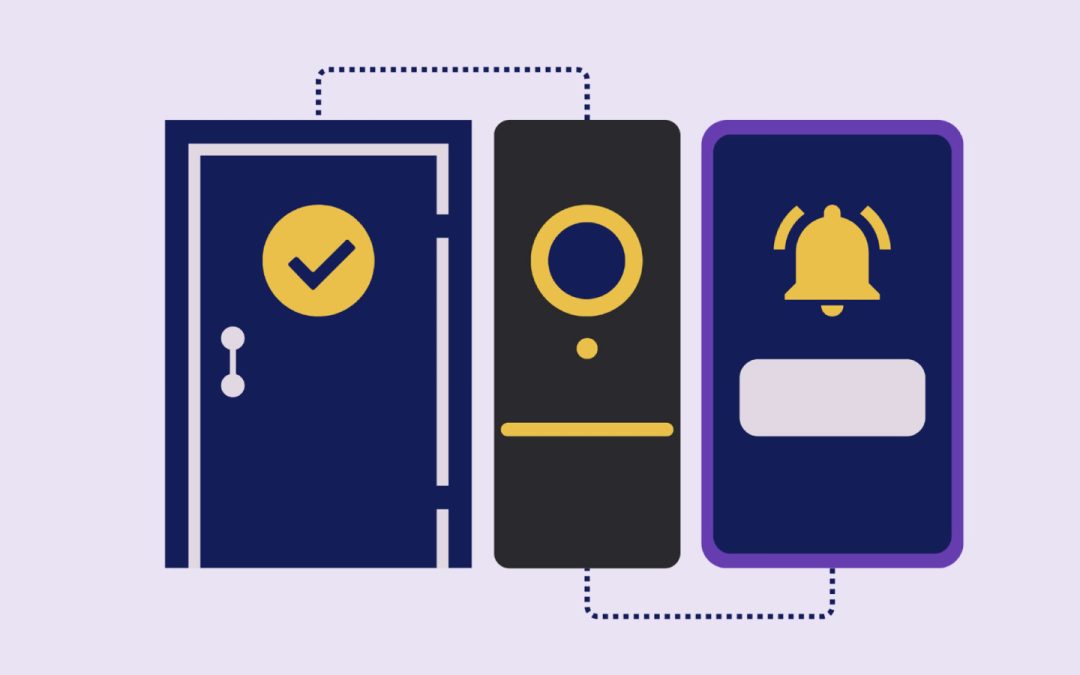
The Ring Doorbell System is a smart device that is installed as a doorbell outside of your home and notifies the owner through the Ring App when the doorbell is pressed and when motion is detected near your door. It has a built-in camera and microphone, allowing the owner to view and speak to the visitor through 2-way conversation.
To use the Ring Doorbell System features, the Ring App must be downloaded and connected on the owner’s device.
If you have the Ring Home subscription, it will allow you to record, download, and save recordings from past events.
How Do You Set Up the Ring Doorbell System?
- To set up the doorbell, you must download the Ring App on a safe and secure device that you can regularly access. The Ring App allows you to set up the doorbell, adjust doorbell settings, and view live feed.
- In the app, you will have to scan a QR code that is on the Ring Doorbell to connect the devices.
- From there, it will ask for you to connect the Ring Doorbell to your home WIFI, and to also connect your phone to the doorbell via Bluetooth.
- Afterwards, it will ask you to enter your home address and assign a name to the Ring Doorbell device based on its location in your home.
- Once the Ring Doorbell has finished setting up in the Ring App, you will be able to install the doorbell onto your home using the in-app instructions.
- Afterwards, the Ring app will ask if you’d like to share access to the doorbell with other users or connect it to a Chime, an add-on device that plays a sound inside your home when the doorbell is rung.
- Finally, the app will ask you to adjust the motion sensitivity and select areas outside your home where you’d like to receive doorbell movement notifications.
How Do You Use the Ring Doorbell System and the Ring App?
The Ring Doorbell system needs wi-fi to operate. The app lets you view a live feed from your doorbell and allows you to use your phone as a microphone to talk to people outside using the doorbell’s built-in speaker. The Ring App will also notify you when the doorbell is rung or if any movement is detected. Your phone will need to have wi-fi or use data to use operate the app.
Within the app, you can also modify your Ring Doorbell such as: adjusting the motion sensors or the alerts, adding more Ring accessories, viewing your doorbell health, managing shared access, or viewing devices that are linked to your doorbell. You can explore more settings to add additional recognition or safety features.
What is the Ring Home Subscription?
If you have a Ring Home subscription, the doorbell will also record all past feeds. You can also download and share recordings or photos of content that is captured by your Ring Doorbell. Owners who do not have the Ring Home subscription are only able to access live feed with 2-way talk and receive live notifications.
You can learn more about the Ring Home subscriptions here.
Frequently Asked Safety Concerns
1. Who can access my Ring Doorbell?
Only the Ring Owner, which is the person who set up the Ring Doorbell. If the Ring Owner would like to share access to the doorbell with others, those individuals will be added as Shared Users. Shared Users have limited permissions compared to Ring Owners such as the restricted access to device settings, account settings, subscriptions, and the ability to manage other Shared Users. Keep in mind that the Ring Owner is able to see all devices that are connected to the Ring System.
More information about Ring Owners and Shared Users can be found by tapping the following link.
2. The QR code on the Ring Doorbell is used to make my account. If someone else takes a hold of the Ring Doorbell, can they scan the QR code to gain control of the doorbell?
No, there can only be one Ring Owner set up per QR code. So, if someone tries to make an account using your Ring Doorbell, it will not work since you already have an existing account.
3. If someone has access to my WIFI, could they have access to my Ring Doorbell system? Could they see all my personal information stored in the account or disarm my doorbell?
Not, if your Ring account is secure. Keeping your account secure involves making secure passwords and enabling 2-factor authentication on your account. You can read more on How to Create and Maintain Strong Passwords and What is 2-Factor Authentication? (2FA). Additionally, can you check the Shared Users feature in the Ring App to know which users have access to your Ring system.
4. When I am viewing the live feed, can the visitor hear me from my phone?
No, unless you turn on your microphone from your phone to speak through the Ring Doorbell. When you view the live feed, there is a button on the screen that allows you to turn on your microphone. You also have the option to mute the sound that is coming from your visitor.
5. What happens to the Ring Doorbell if my WIFI is down?
The Ring Doorbell relies on Wi-Fi to send notifications, record, and access live feed. If the internet connection is lost, the Ring Doorbell will not send alerts or upload recordings until the connection is restored.
6. How do I check the battery of my Ring Doorbell?
If you have a battery powered Ring Doorbell, you will have to periodically charge the battery every 6-12 months on the Ring Doorbell. It takes about 4-8 hours to charge. There is a feature in the Ring App that allows you to check the battery health. Keep in mind that when you are charging the battery, the Ring Doorbell will not be operating.
If you have a wired Ring Doorbell, the device will be continuously charged and you will not have to worry about its battery health. However, it may be more challenging to install and also requires an outlet source to operate.
7. If I have the Ring Home subscription, where are my recordings stored?
All recordings are stored in the Ring Cloud for up to 180 days after they are made. They can be accessed by the Ring Owners and Shared Users. To keep the recordings safe, you should also keep your accounts secure by making strong passwords and enabling 2-factor authentication on your account.
You can read more on How to Create and Maintain Strong Passwords and What is 2-Factor Authentication? (2FA).
If you are experiencing tech abuse, you are not alone. Find support in your community by connecting with a BC Society of Transition Houses Member Program or check out our other safety resources at techsafebc.bcsth.ca.
©BC Society of Transition Houses, Tech Safe BC Project, 2026. We encourage others to share this material, provided BC Society of Transition Houses is acknowledged